Transition Suite
Featured
FCPX Transition Suite
Transition Mega Packs
Staff Picks
Hot Transitions
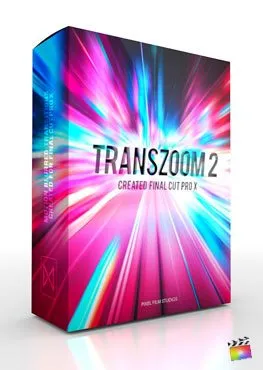
TransZoom 2
TransZoom 2
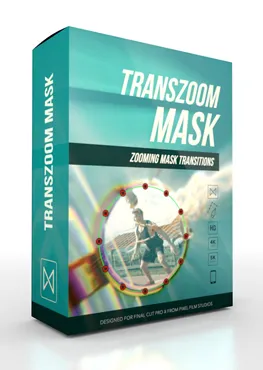
TransZoom Mask
TransZoom Mask
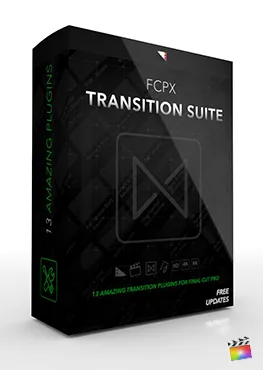
Transition Suite
Transition Suite
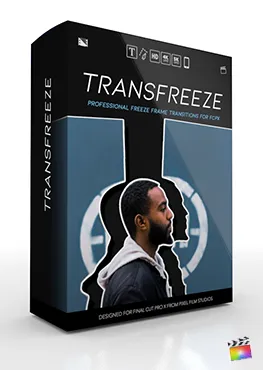
TransFreeze
TransFreeze
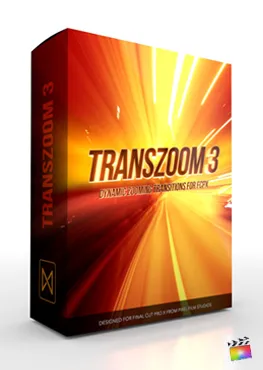
TransZoom 3
TransZoom 3
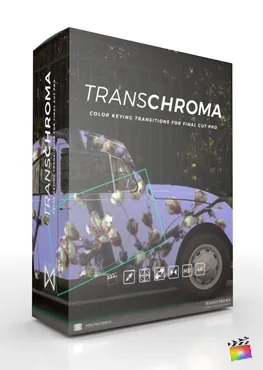
TransChroma
TransChroma
TransFilm
TransFilm
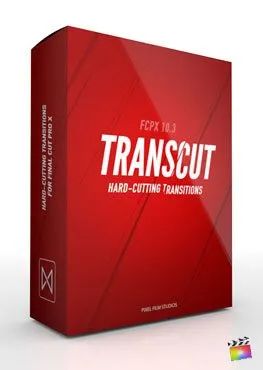
TransCut
TransCut
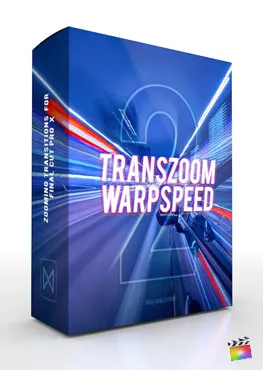
WarpSpeed 2
WarpSpeed 2
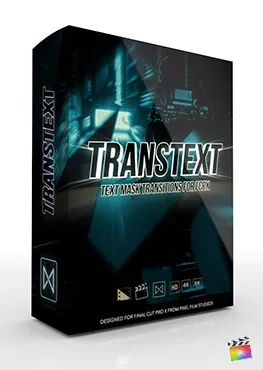
TransText
TransText
Suite Artistic
Suite Artistic
TransZoom Pixel
TransZoom Pixel
See All Transitions
Title Mega Pack
Featured
FCPX Title Mega Pack
Title Mega Packs
Staff Picks
Hot Titles
Title Mega Pack
Title Mega Pack
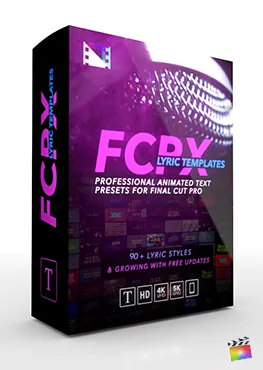
Lyric Templates
Lyric Templates
FCPX Stories
FCPX Stories
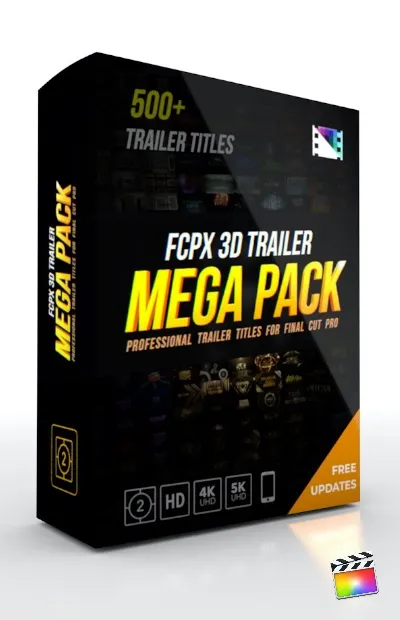
3D Trailer Pack
3D Trailer Pack
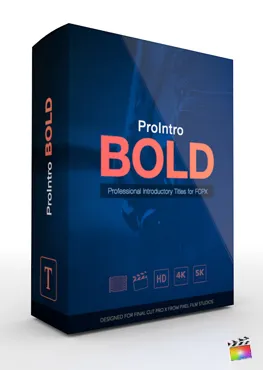
ProIntro Bold
ProIntro Bold
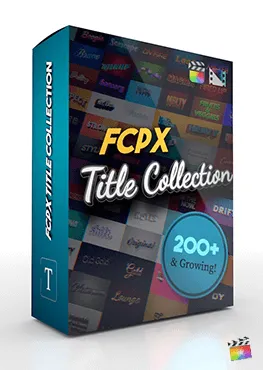
Title Collection
Title Collection
FCPX Reveals
FCPX Reveals
ProIntro Reveal
ProIntro Reveal
ProIntro Travel
ProIntro Travel
ProIntro Selects
ProIntro Selects
ProIntro Minimal
ProIntro Minimal
See All Titles
FCPX Stabilizer 2.0
Featured
FCPX Stabilizer 2.0
Effect Mega Packs
Staff Picks
Hot Effects
Motion Blur
Motion Blur
Stabilizer 2.0
Stabilizer 2.0
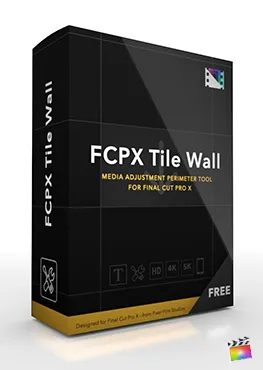
Tile Wall
Tile Wall
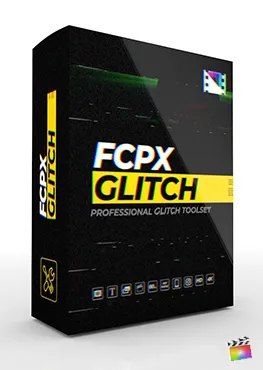
FCPX Glitch
FCPX Glitch
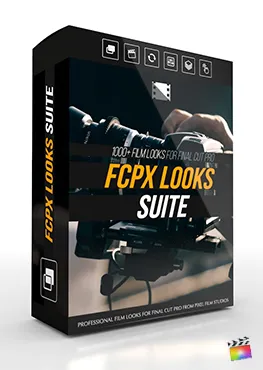
Looks Suite
Looks Suite
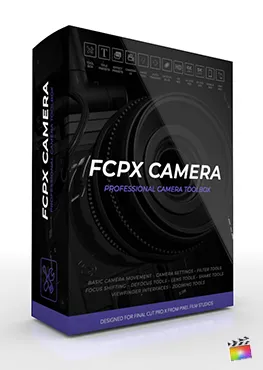
FCPX Camera
FCPX Camera
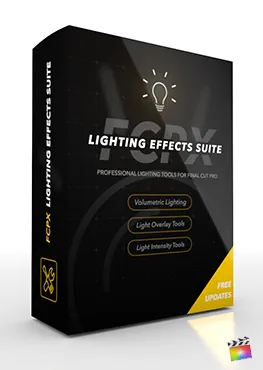
Lighting Suite
Lighting Suite
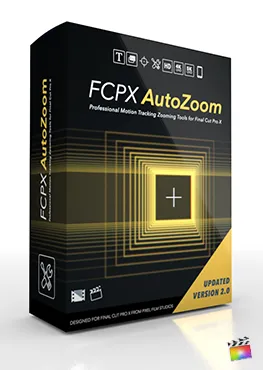
Auto-Zoom
Auto-Zoom
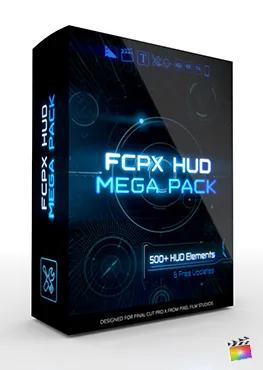
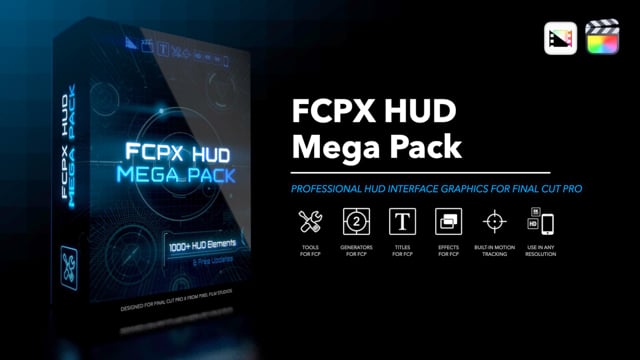
HUD Mega Pack
HUD Mega Pack
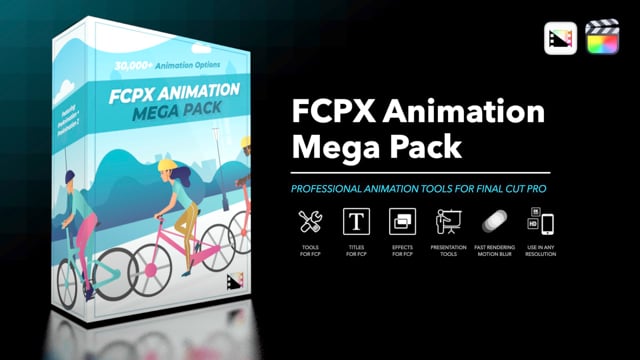
Animation Pack
Animation Pack
ProPuppet
ProPuppet
LUT Loader
LUT Loader
See All Effects
FCPX Tracker Suite
Featured
FCPX Tracker Suite
Tool Mega Packs
Staff Picks
Hot Tools
Auto Tracker 2.2
Auto Tracker 2.2
Stabilizer 2.0
Stabilizer 2.0
Tracker Perspective
Tracker Perspective
Tracker Suite
Tracker Suite
Surface Tracker
Surface Tracker
Photo Pan & Dolly
Photo Pan & Dolly
FCPX Maps
FCPX Maps
FCPX Disintegrate
FCPX Disintegrate
FCPX Removal
FCPX Removal
FCPX Camera
FCPX Camera
Brush Glow
Brush Glow
See All Tools
Mega Packs — Best Sellers
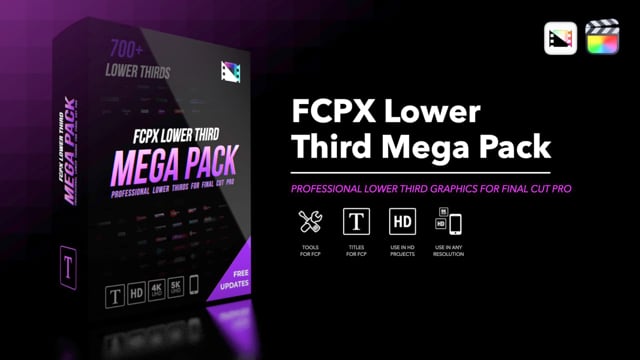
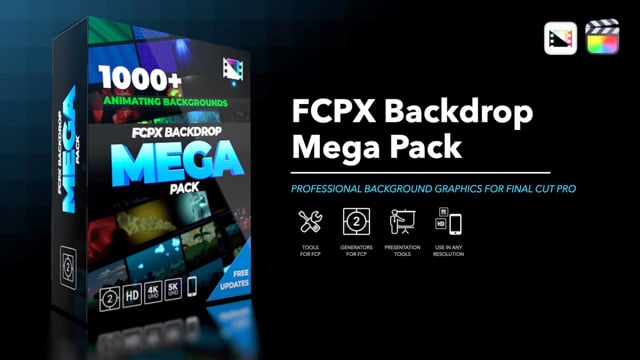
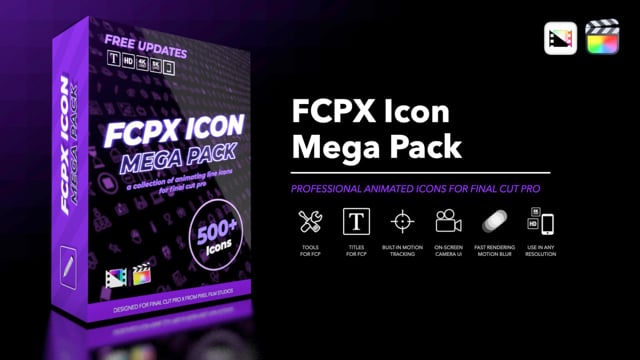
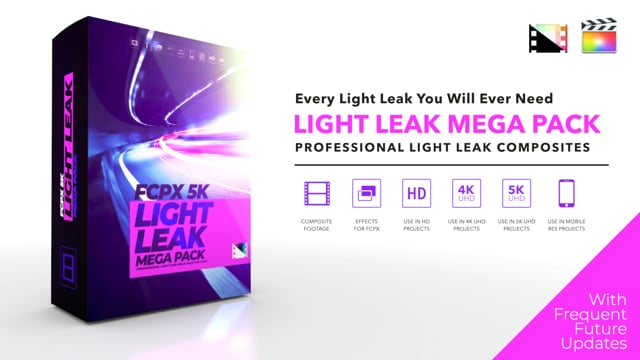
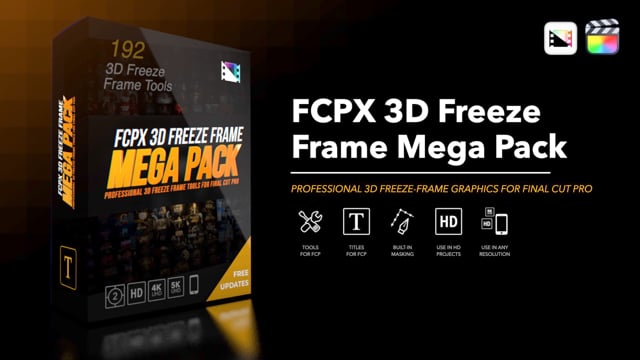
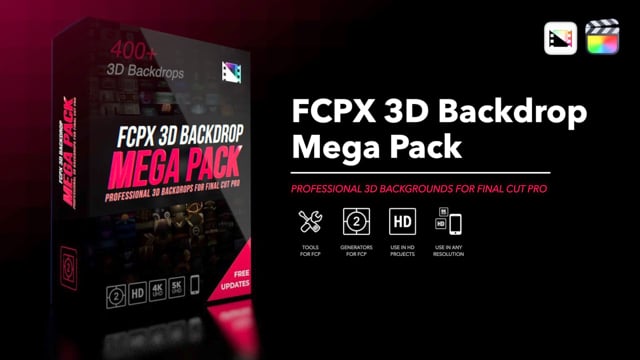
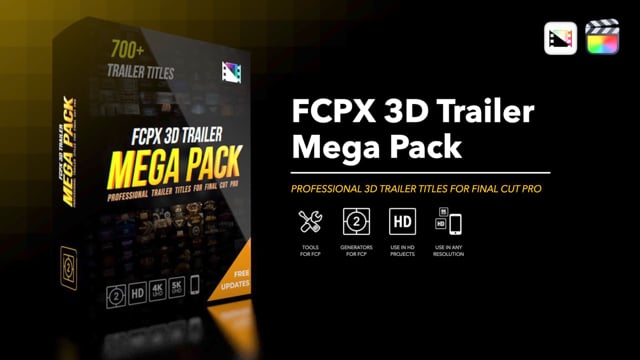
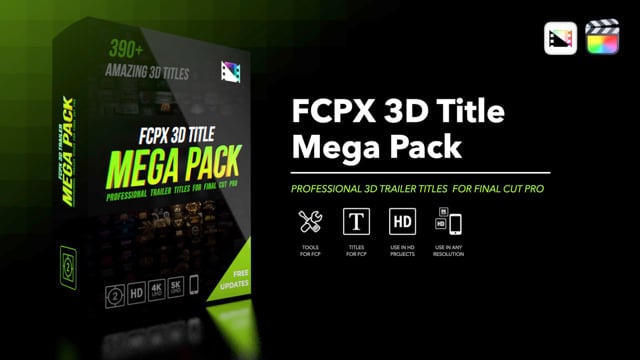
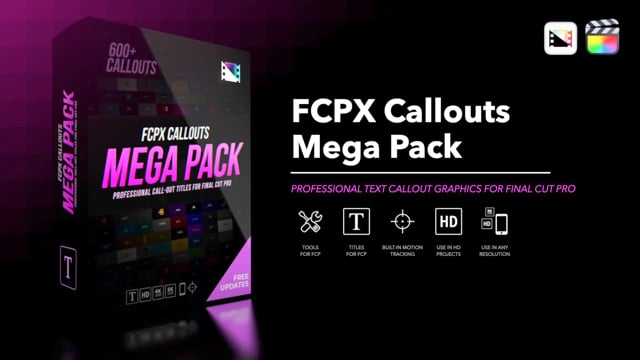
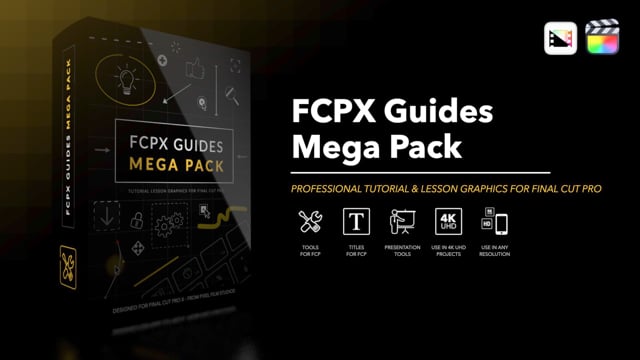
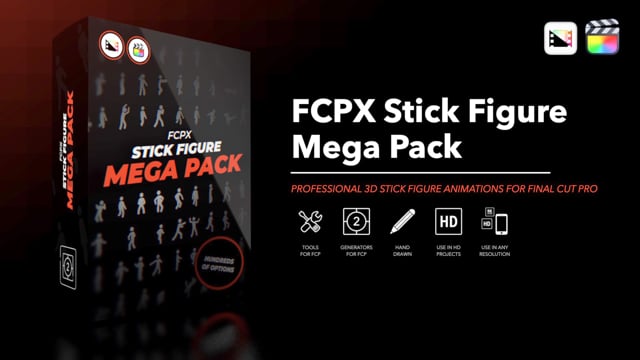
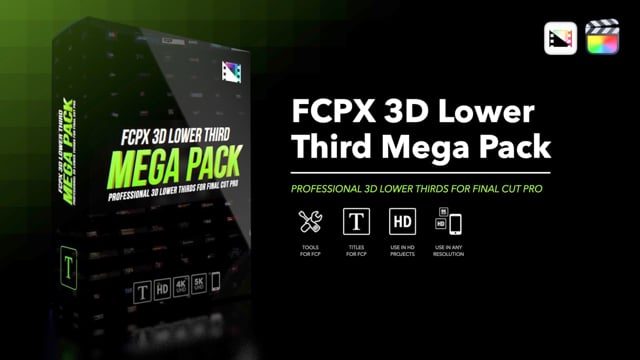
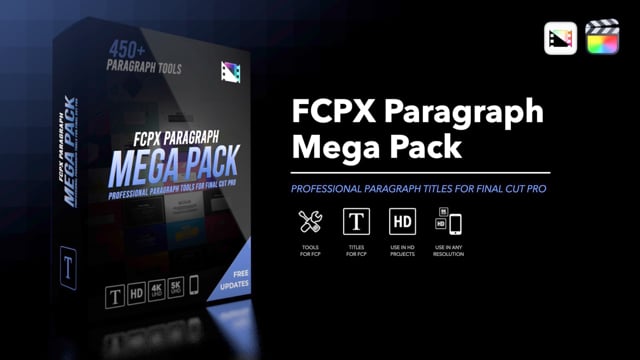
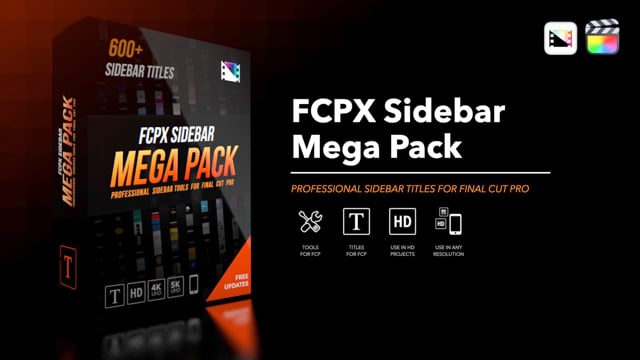
Social Mega Pack Title Mega Pack Cartoon Mega Pack Transition Suite Logo Reveal Mega Pack Kinetic Text Mega Pack Hand-Drawn Mega Pack Lower Third Mega Pack Backdrop Mega Pack HUD Mega Pack Animation Mega Pack Icon Mega Pack 5K Light Leaks 3D Freeze Frame 3D Backdrop Mega Pack 3D Trailer Mega Pack 3D Title Mega Pack Callouts Mega Pack Guides Mega Pack Stick Figure Mega Pack 3D Lower Third Mega Pack Paragraph Mega Pack Sidebar Mega Pack 3D Logo Transition Quotes Mega Pack Matte Transition Mega Pack Chapter Mega Pack Silhouettes Mega Pack Divider Mega Pack
See All Mega Packs
Hot New Plugins
Loading...
See All New Plugins
✦ One-Time Purchase

Access everything.
Pay once. Keep forever.

Unlock the entire PFS film library — 2,000+ plugins for Final Cut Pro. No subscription, no recurring fees. Includes all film & motion plugins. Audio products sold separately.

$499
one-time · lifetime access
Learn more about Members Club →
  • 2,000+ plugins — transitions, titles, effects, generators
  • Every new release included — new drops weekly
  • Activate on up to 3 Macs
  • Commercial use license included
  • Free updates for life — no hidden costs
  • Priority support & exclusive content

System Requirements

Check that your Mac meets the requirements before purchasing any Pixel Film Studios plugin.

Important — Please Read Before Purchasing
By completing a purchase, you confirm that your Mac meets these requirements. Individual plugin purchases are eligible for a refund within 7 days if unused. The one-time $499 All-Access license is non-refundable. Please verify your system before buying.

Check Your Mac
Before You Buy

Click the button below to automatically detect your Mac's specifications and check them against our minimum requirements.

System Detection

Click below to check your system. Results are processed locally — no data is sent to our servers.

macOS Version
Architecture
Platform
Browser

What Your Mac Needs

Minimum Required to run plugins
  • macOS 13 Ventura or later
  • Final Cut Pro 10.6.5 or later
  • 8 GB RAM
  • Metal-capable graphics card
  • Apple Silicon (M1 or later) OR Intel Mac (2017 or later)
  • 2 GB available storage per plugin pack
  • Broadband internet connection

Platform Details

Apple Silicon (M1/M2/M3/M4)

All Pixel Film Studios plugins are fully Apple Silicon native. No Rosetta 2 translation required. Best performance across the entire library.

Intel Macs

Fully supported for all plugins. Requires a Metal-capable GPU (standard on all Intel Macs from 2017 onward). Performance may vary on older hardware for complex effects.

Final Cut Pro & Motion

Both apps must be installed from the Mac App Store. Motion 5 is required for some Generator and Title plugins. Final Cut Pro 10.6.5 or later is required for all plugins.

Older macOS Versions

Plugins may function on macOS versions older than Ventura, but this configuration is not officially supported or tested. Support cannot be provided for unsupported system configurations.

Common Questions

Do I need Motion installed?
Motion 5 is required for Generator and Title plugins. Effects and Transitions only require Final Cut Pro. Motion is a separate $49.99 purchase from the Mac App Store. Each product page will clearly state whether Motion 5 is required.
Do plugins work on Windows or iPad?
No. Pixel Film Studios plugins are designed exclusively for Final Cut Pro and Motion on macOS. They do not work on Windows, iPad, or any non-Apple platform. There are no plans to support other platforms.
How do I check my macOS version?
Click the Apple menu () in the top-left corner of your screen, then select About This Mac. Your macOS version and chip information will be displayed on the overview screen.
My Mac doesn't meet requirements — can I still purchase?
We strongly advise against purchasing if your system does not meet the minimum requirements. Individual purchases are eligible for a refund within 7 days if the product has not been downloaded. If you're unsure, please contact our support team before buying.
Will plugins work on older FCP versions?
Most plugins require Final Cut Pro 10.6.5 or later. Older versions of Final Cut Pro may work for some plugins but are not tested or officially supported. We recommend always keeping Final Cut Pro updated to the latest version from the Mac App Store.

Not Sure If Your System Is Compatible?

Contact our support team before purchasing — we'll check your configuration and let you know if our plugins will work for you.

Contact Support