
Transition Suite
Featured
FCPX Transition Suite
Transition Mega Packs
Staff Picks
Hot Transitions
TransZoom 2
TransZoom 2
TransZoom Mask
TransZoom Mask
Transition Suite
Transition Suite
TransFreeze
TransFreeze
TransZoom 3
TransZoom 3
TransChroma
TransChroma
TransFilm
TransFilm
TransCut
TransCut
WarpSpeed 2
WarpSpeed 2
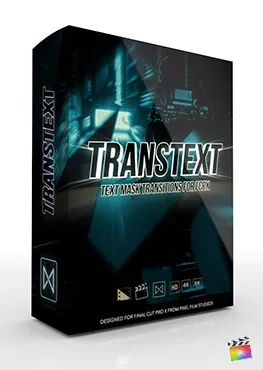
TransText
TransText
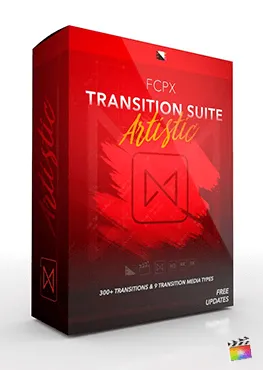
Suite Artistic
Suite Artistic
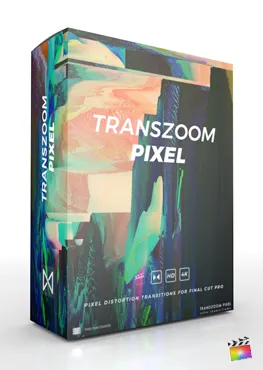
TransZoom Pixel
TransZoom Pixel
See All Transitions
Title Mega Pack
Featured
FCPX Title Mega Pack
Title Mega Packs
Staff Picks
Hot Titles
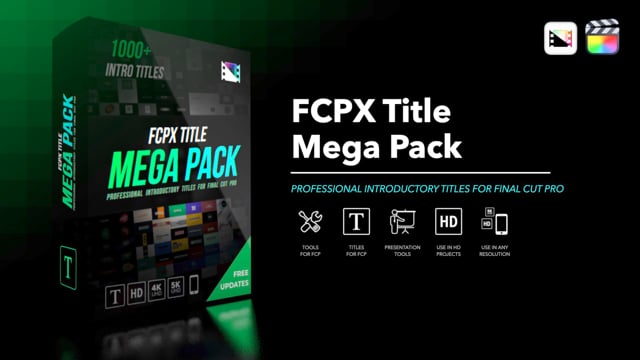
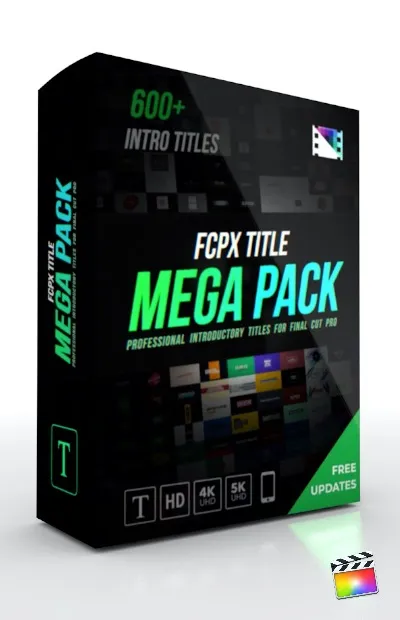
Title Mega Pack
Title Mega Pack
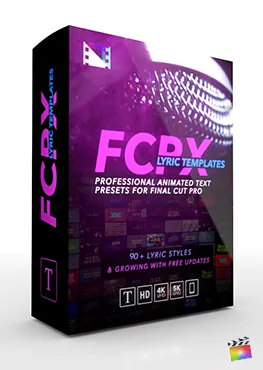
Lyric Templates
Lyric Templates
FCPX Stories
FCPX Stories
3D Trailer Pack
3D Trailer Pack
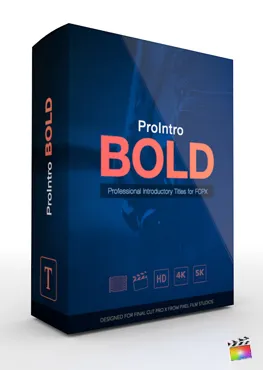
ProIntro Bold
ProIntro Bold
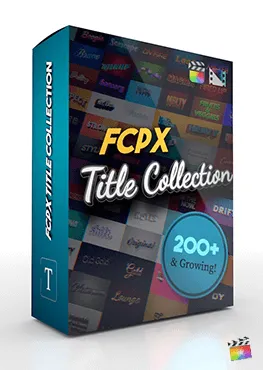
Title Collection
Title Collection
FCPX Reveals
FCPX Reveals
ProIntro Reveal
ProIntro Reveal
ProIntro Travel
ProIntro Travel
ProIntro Selects
ProIntro Selects
ProIntro Minimal
ProIntro Minimal
See All Titles
FCPX Stabilizer 2.0
Featured
FCPX Stabilizer 2.0
Effect Mega Packs

Staff Picks
Hot Effects
Motion Blur
Motion Blur
Stabilizer 2.0
Stabilizer 2.0
Tile Wall
Tile Wall
FCPX Glitch
FCPX Glitch
Looks Suite
Looks Suite
FCPX Camera
FCPX Camera
Lighting Suite
Lighting Suite
Auto-Zoom
Auto-Zoom
HUD Mega Pack
HUD Mega Pack
Animation Pack
Animation Pack
ProPuppet
ProPuppet
LUT Loader
LUT Loader
See All Effects
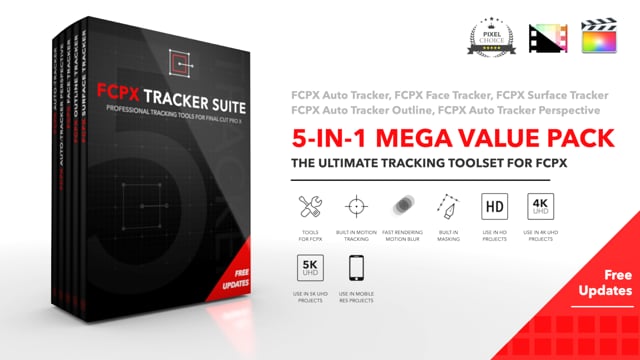
FCPX Tracker Suite
Featured
FCPX Tracker Suite
Tool Mega Packs
Staff Picks
Hot Tools
Auto Tracker 2.2
Auto Tracker 2.2
Stabilizer 2.0
Stabilizer 2.0
Tracker Perspective
Tracker Perspective
Tracker Suite
Tracker Suite
Surface Tracker
Surface Tracker
Photo Pan & Dolly
Photo Pan & Dolly
FCPX Maps
FCPX Maps
FCPX Disintegrate
FCPX Disintegrate
FCPX Removal
FCPX Removal
FCPX Camera
FCPX Camera
Brush Glow
Brush Glow
See All Tools
Mega Packs — Best Sellers
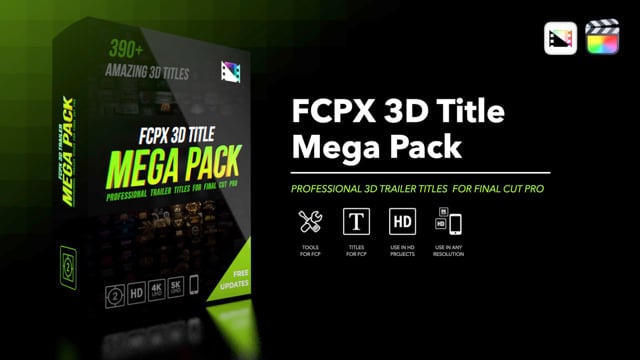
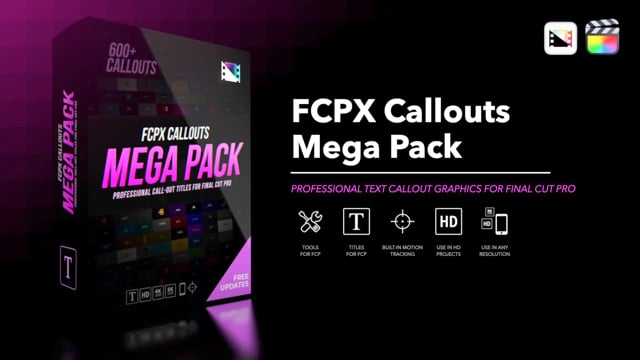
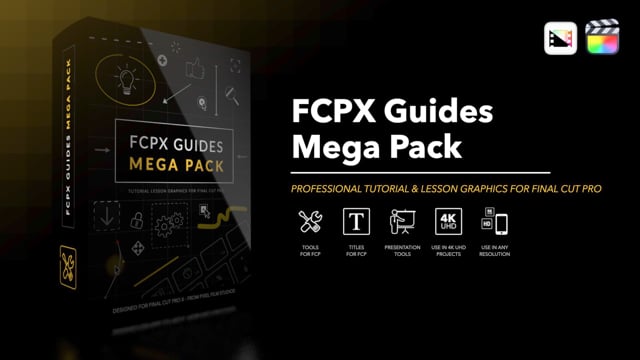
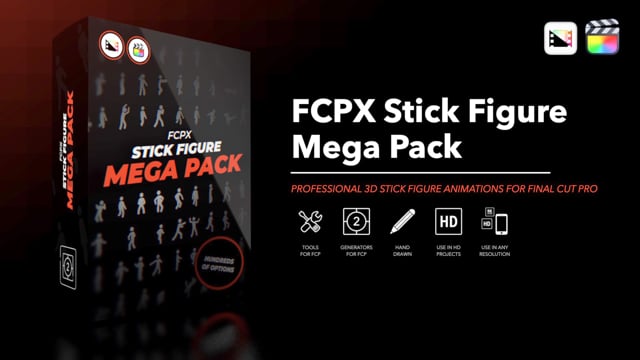
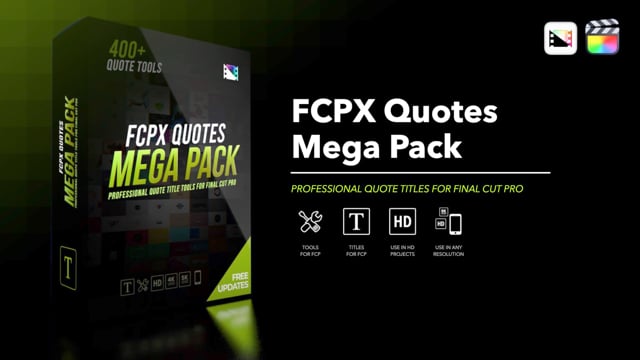
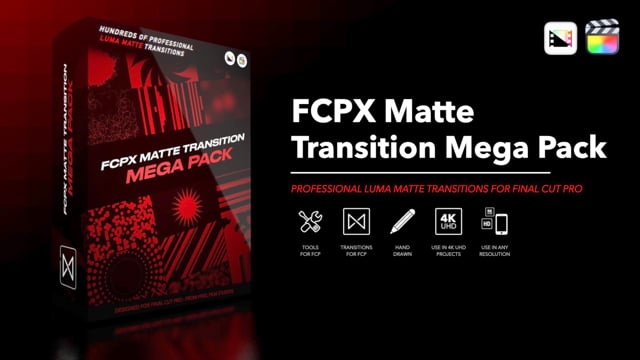
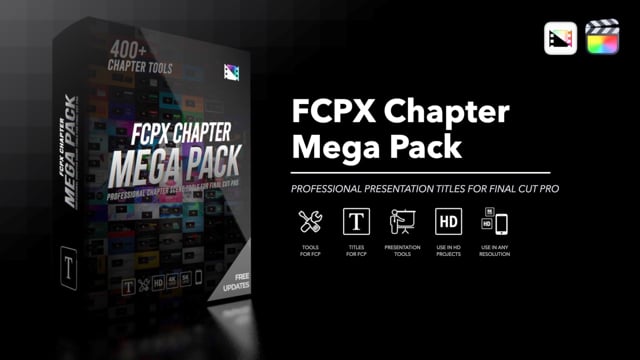
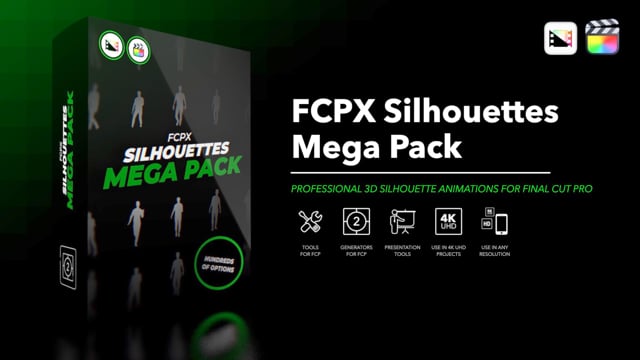
Social Mega Pack Title Mega Pack Cartoon Mega Pack Transition Suite Logo Reveal Mega Pack Kinetic Text Mega Pack Hand-Drawn Mega Pack Lower Third Mega Pack Backdrop Mega Pack HUD Mega Pack Animation Mega Pack Icon Mega Pack 5K Light Leaks 3D Freeze Frame 3D Backdrop Mega Pack 3D Trailer Mega Pack 3D Title Mega Pack Callouts Mega Pack Guides Mega Pack Stick Figure Mega Pack 3D Lower Third Mega Pack Paragraph Mega Pack Sidebar Mega Pack 3D Logo Transition Quotes Mega Pack Matte Transition Mega Pack Chapter Mega Pack Silhouettes Mega Pack Divider Mega Pack
See All Mega Packs
Hot New Plugins
Loading...
See All New Plugins
✦ One-Time Purchase

Access everything.
Pay once. Keep forever.

Unlock the entire PFS film library — 2,000+ plugins for Final Cut Pro. No subscription, no recurring fees. Includes all film & motion plugins. Audio products sold separately.

$499
one-time · lifetime access
Learn more about Members Club →
  • 2,000+ plugins — transitions, titles, effects, generators
  • Every new release included — new drops weekly
  • Activate on up to 3 Macs
  • Commercial use license included
  • Free updates for life — no hidden costs
  • Priority support & exclusive content

License Information

Everything you need to know about your Pixel Film Studios license — clearly explained.

Choose the License That Fits Your Work

Most Common

Single User License

One purchase. Yours to keep, forever.
One-Time Price
No subscription. No annual fee. Price shown on each product page.
  • 1 licensed user (you)
  • Activate on up to 3 of your Mac computers
  • Full personal and commercial use included
  • Free updates for the life of the product
  • Deactivate any machine to free up a slot
  • Not transferable to another person
  • Not for resale or redistribution
  • 3 Macs are yours — not shared with family or employees

Both Licenses Include Full
Commercial Use Rights

You do not need a separate license to use Pixel Film Studios plugins in paid client work, monetized channels, or broadcast productions. Commercial use is included in every Single User License and every Members Club Members Club.

Included — You Can Use For

  • Client video work you are paid for
  • Monetized YouTube channels
  • Broadcast and streaming productions
  • Social media content for brands
  • Film and documentary work
  • Personal creative projects

Not Included — You Cannot

  • Resell or redistribute the plugin files themselves
  • Create competing products based on PFS plugins
  • Share your license login or files with others
  • Transfer your license to another individual

Up and Running in Minutes

Download & Install

Download and install using the PFS App or direct download from your account. Plugins are installed into Final Cut Pro's Motion Templates folder automatically.

3-Mac Activation

Activate on up to 3 of your Mac computers. You can deactivate any machine at any time through your account to free up a slot — useful when you get a new Mac.

Requirements

Requires Final Cut Pro. Specific version requirements vary by product — check the product page before purchasing. Apple Silicon and Intel Macs both supported.

Free Updates, Always

All updates to a product you own are free, for life. When we fix bugs, improve performance, or add compatibility for new Final Cut Pro versions, you get those updates at no charge.

Major version upgrades — for example, a product going from version 1 to a completely rebuilt version 2 — may occasionally require a new purchase. When this applies, it is clearly disclosed on the product page before you buy, and existing customers are typically offered an upgrade discount.

Members Club members receive all updates across the entire library automatically. You never need to think about it.

We Stand Behind Our Products

Individual plugin purchases are eligible for a full refund within 7 days of purchase, provided the product has not been downloaded or installed. The one-time $499 All-Access license is non-refundable. This is outlined in our Terms of Service.

However, if a product fails to function as described on its product page, and our support team is unable to resolve the issue within 7 business days of your initial support request, we will issue a full refund.

We ask that you contact our support team before initiating any chargeback or dispute. We respond quickly and genuinely want to help. Chargebacks initiated without first contacting us may result in account suspension.

Contact Support

License Questions, Answered

Yes. Your Single User License allows activation on up to 3 of your own Mac computers. Using the plugin on your home iMac and your office MacBook Pro counts as 2 of your 3 activations. Both machines are licensed as long as they belong to you.
No. Pixel Film Studios licenses are non-transferable. They are issued to the individual who made the purchase and cannot be transferred, gifted, or sold to another person. If a colleague or family member wants to use PFS plugins, they will need to purchase their own license.
Simply log into your Pixel Film Studios account and deactivate the old Mac. That frees up one activation slot, which you can then use on your new Mac. You keep your full library with no additional fees.
Yes, absolutely. Full commercial use is included in every Single User License and every Members Club Members Club. You can use PFS plugins in client videos, monetized YouTube channels, broadcast productions, advertising, and any other paid work without any additional licensing fees.
An internet connection is required to download and install plugins through the PFS Installer app. Once installed, most plugins work fully offline within Final Cut Pro. You will need internet access to download updates or install on additional Macs.
No. The bundle is treated as one purchase with one license. You can install and use all plugins included in the bundle on up to 3 of your Macs, just like any individual product purchase.

Still Have Questions?

Our support team is available Monday – Friday, 8AM – 4PM Pacific Time.

Contact Support Browse the Plugin Library