Today, Pixel Film Studios introduces SHATTER — a physics-driven plugin for Final Cut Pro that fractures any layer into fragments with cinematic force, fully parametric controls, and no keyframing required.
For years, explosion effects, shattered glass, and crumbling text belonged exclusively to After Effects pipelines. Final Cut Pro editors either shipped the sequence out to a separate compositor or settled for something simpler. SHATTER changes that equation entirely — bringing a real particle physics engine inside the Final Cut Pro timeline for the first time.
Physics That Actually Feel Real
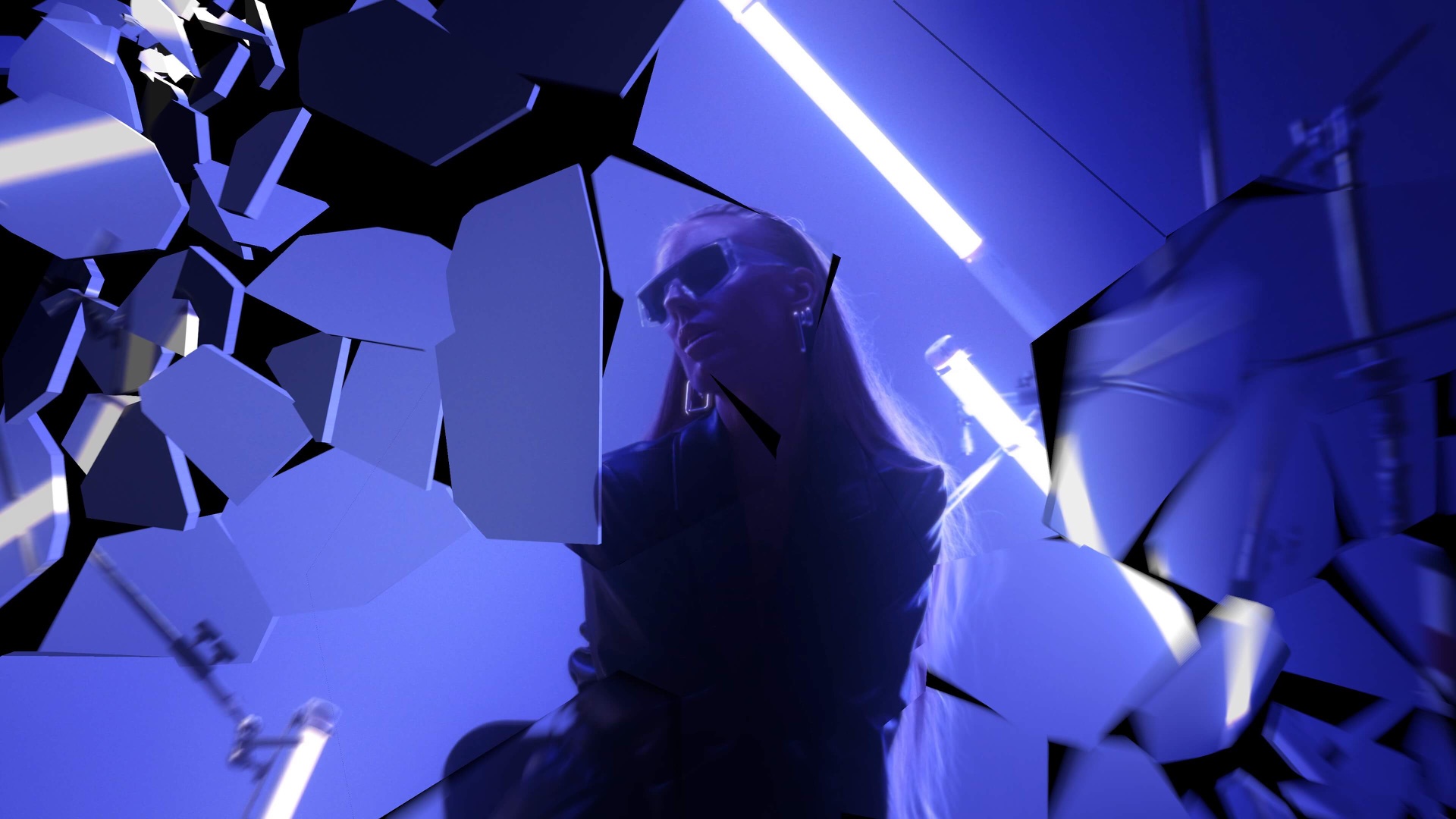
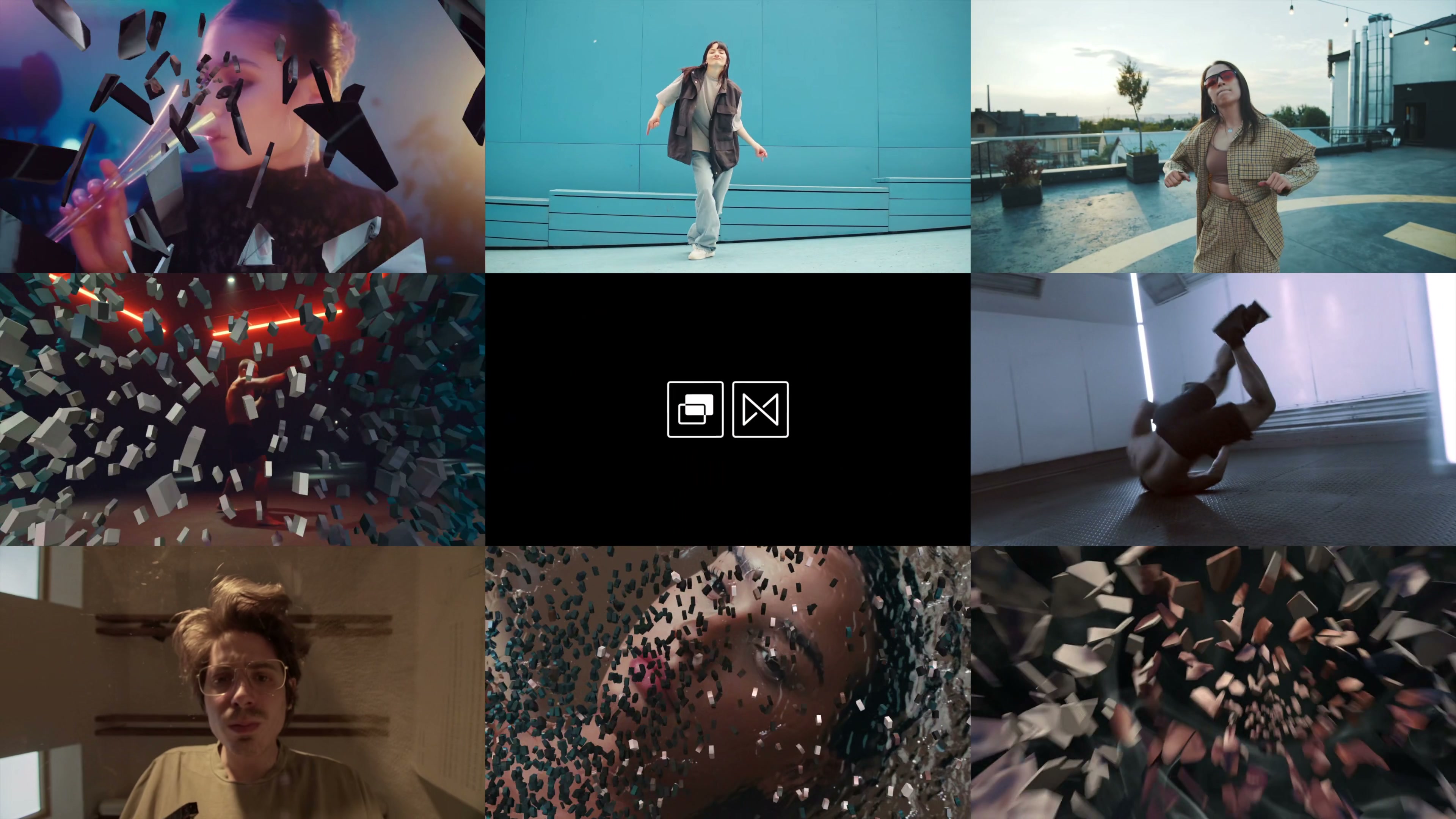
At the core of SHATTER is a custom simulation engine built specifically for Final Cut Pro's Metal renderer. Thirty-five hand-crafted fracture patterns define how the break propagates: a single point of impact radiating outward in a force burst, a cascading grid collapse, an organic shatter along irregular fault lines, or a spiral fragmentation that pulls pieces centrifugally outward.
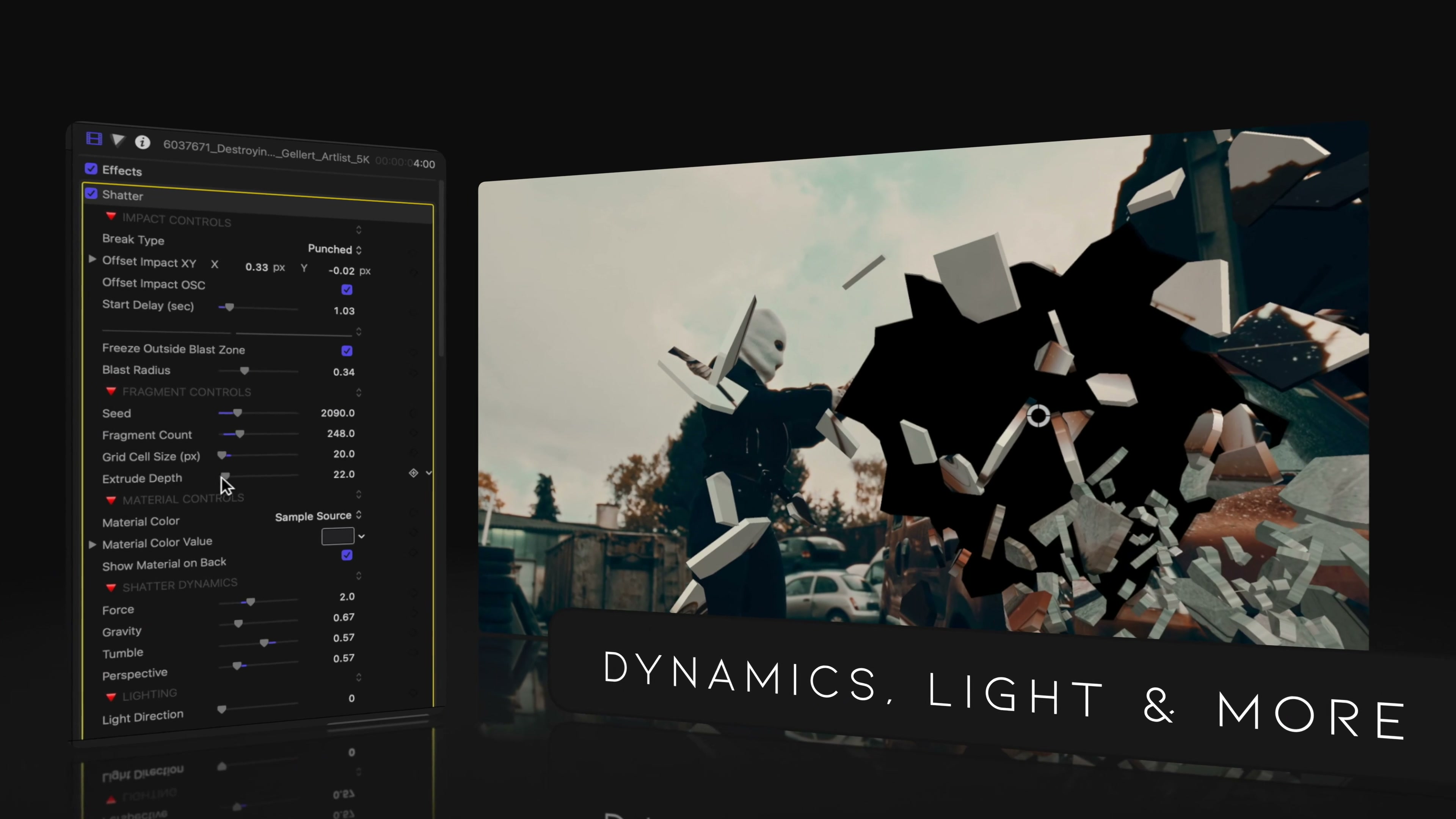
Each simulation exposes four independent physics parameters in the Inspector — force, gravity, air resistance, and fragment delay. Dial force to maximum and footage erupts violently outward. Reduce it and pieces drift apart slowly, like a world dissolving. Air resistance determines whether fragments retain their velocity or decelerate realistically as they travel. Fragment delay staggers when different pieces begin their break, creating natural-feeling cascades without a single manual keyframe.
Works on Everything in the Timeline
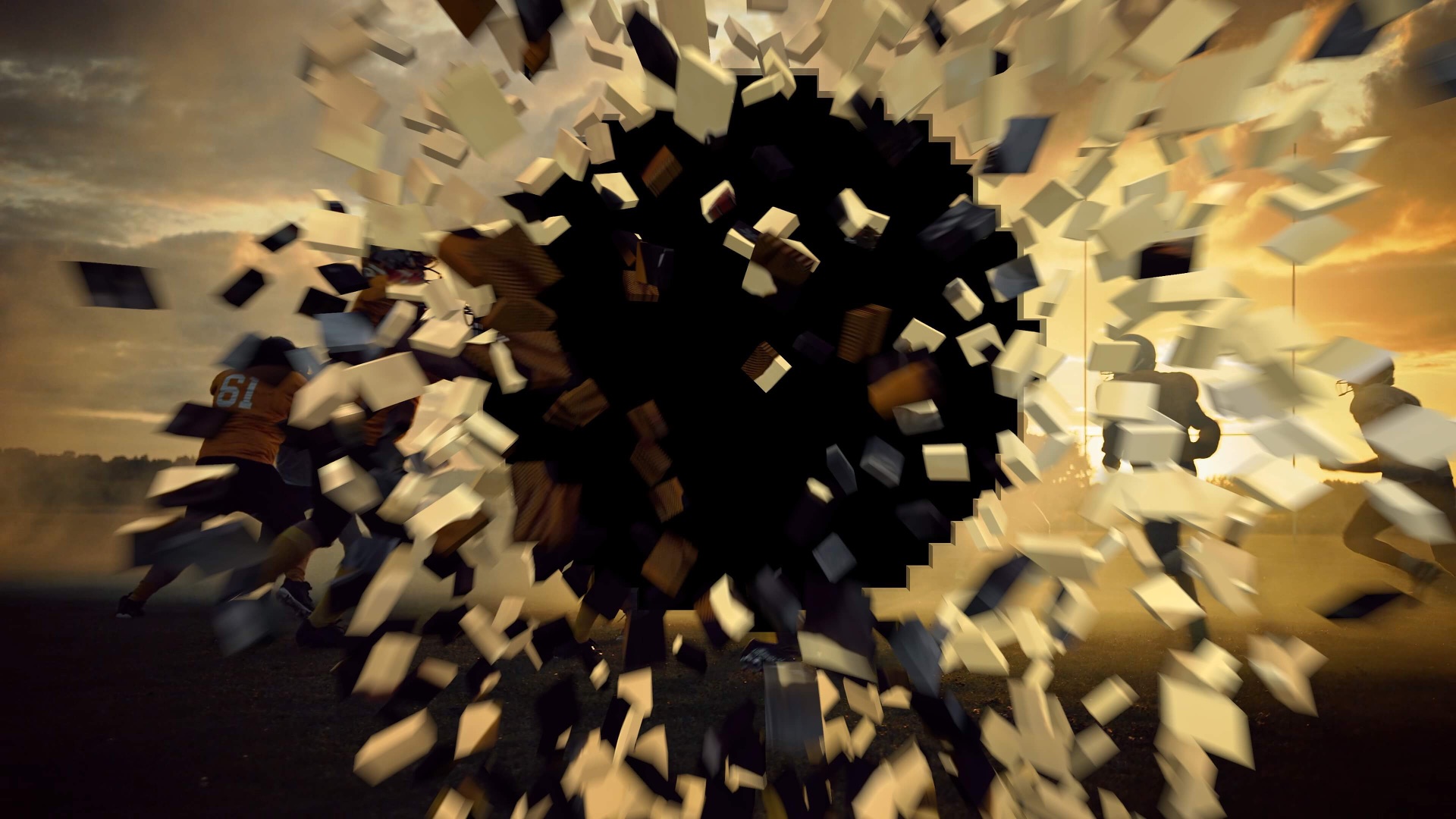
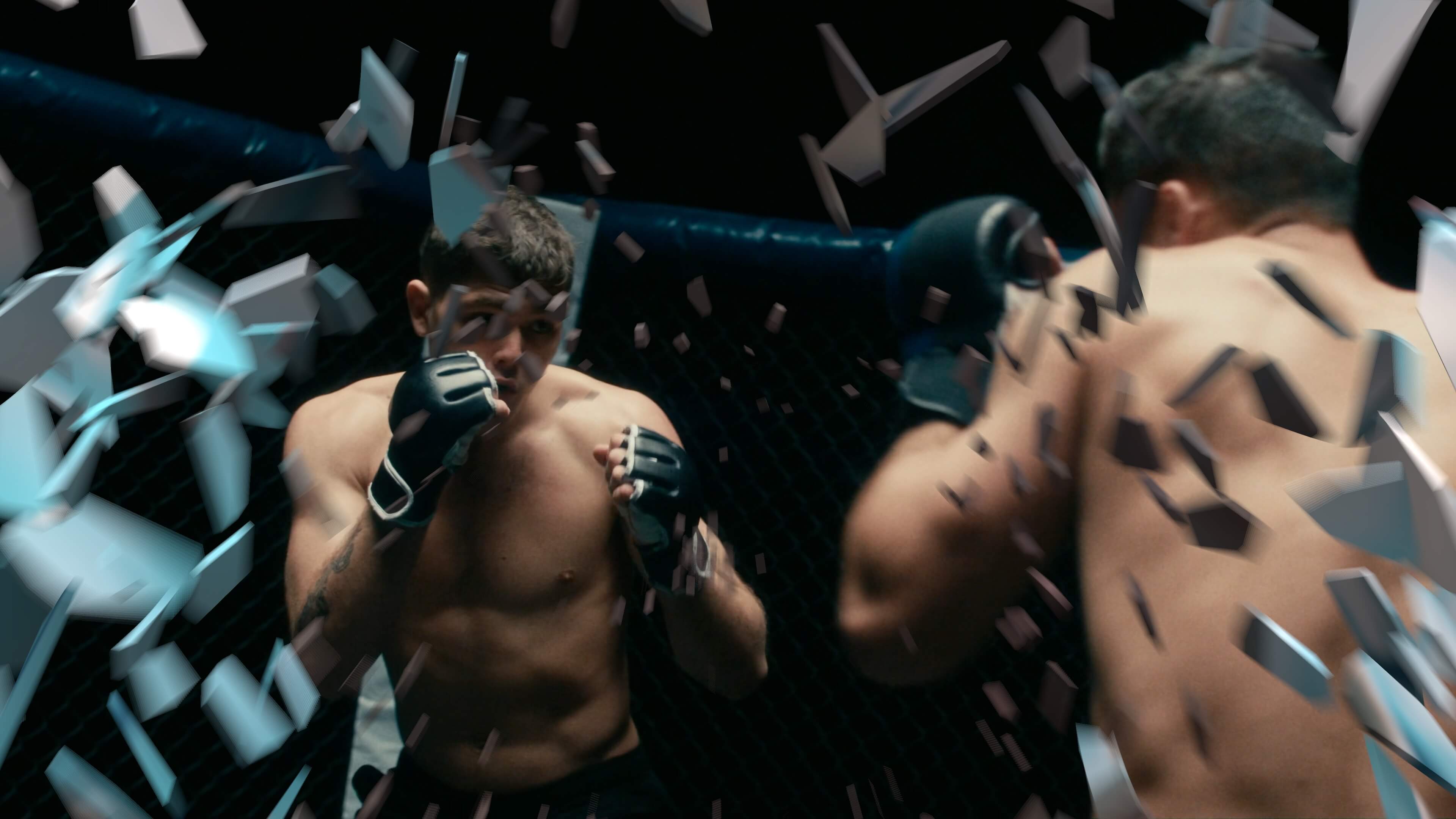
SHATTER applies to any layer type in Final Cut Pro — text titles, color mattes, imported footage, compound clips, still images. Smash a product name apart for an opener. Shatter a corporate logo on the cut to black. Fracture raw footage into disintegrating shards for a dramatic transition. Because SHATTER operates as a native FCP effect, it inherits every other property of the layer it touches: color corrections, transforms, blend modes, and masks all remain intact and render through the standard Final Cut Pro export pipeline.

Designed for Speed on Apple Silicon
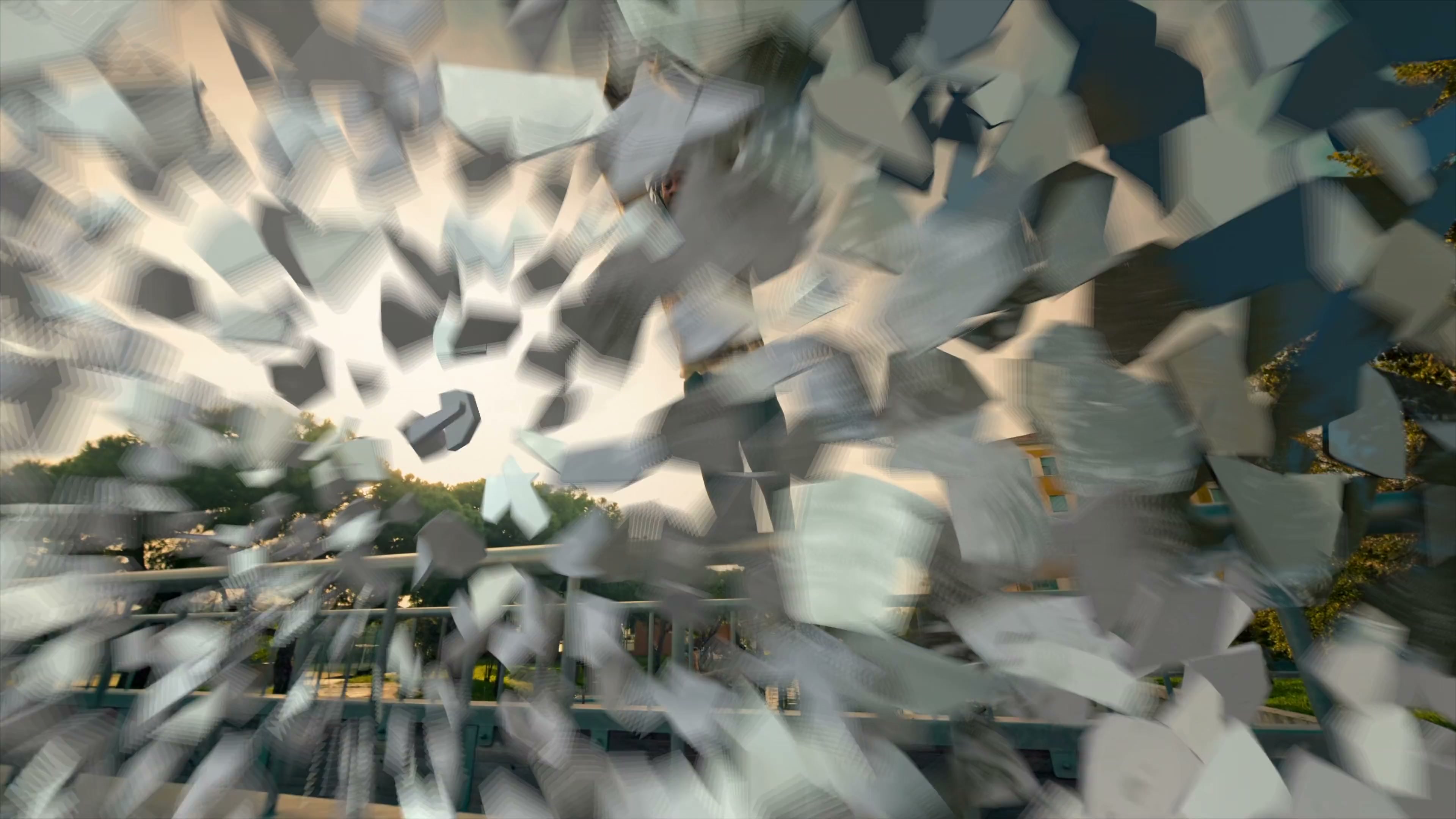
On Apple Silicon, SHATTER renders complex multi-fragment simulations in seconds. Thirty-five fracture presets are ready to apply instantly — each one fine-tuned by Pixel Film Studios' motion design team for broadcast-quality results at any resolution. Parameters live in the standard Inspector panel, adjustable in real time with immediate visual feedback. No complex project nesting. No export-to-render workflows. Just drop SHATTER on a clip, choose a preset, and hit play.
"We built SHATTER because Final Cut Pro editors deserve cinematic destruction effects without a complicated pipeline. The physics engine calculates force, gravity, and momentum the way a real simulation does — not a canned pre-baked animation that looks the same every time. Every single preset was tested on a 4K broadcast monitor before it shipped. If it didn't hold up at that scale, it didn't make the cut."
— Dave Austin, CEO, Pixel Film Studios

The Workflow
A complete SHATTER setup takes under two minutes. Open the Effects Browser in Final Cut Pro and find SHATTER under the Pixel Film Studios category. Drag it onto any clip in the timeline. Select one of the 35 fracture presets from the dropdown — Glass Fracture, Force Burst, Grid Collapse, Spiral Break, Fault Line, and dozens more. Adjust force and gravity to match the scene's energy. Preview in real time. Render and export directly from Final Cut Pro.
For editors who want precise control over timing, SHATTER's break start point is keyframable — hold the effect at zero, then trigger the fracture at exactly the right frame. The result is a seamless, physics-accurate shattering moment timed to a cut, a beat, or a story moment — without ever leaving the Final Cut Pro timeline.

Availability
SHATTER for Final Cut Pro is available today at pixelfilmstudios.com for $29.95. A free trial is available. Requires Final Cut Pro 10.6.5 or later and macOS 13 Ventura or later.
About Pixel Film Studios
Founded in 2011, Pixel Film Studios is the leading developer of professional visual effects, titles, transitions, and generators built exclusively for Apple Final Cut Pro and Motion. Over the past 14 years, the company has shipped more than 2,000 products and fulfilled millions of orders for video editors, content creators, broadcast designers, and post-production professionals in over 100 countries. Learn more at pixelfilmstudios.com.
Press Contact
Colin Bauer
Director of Communications, Pixel Film Studios
[email protected]